
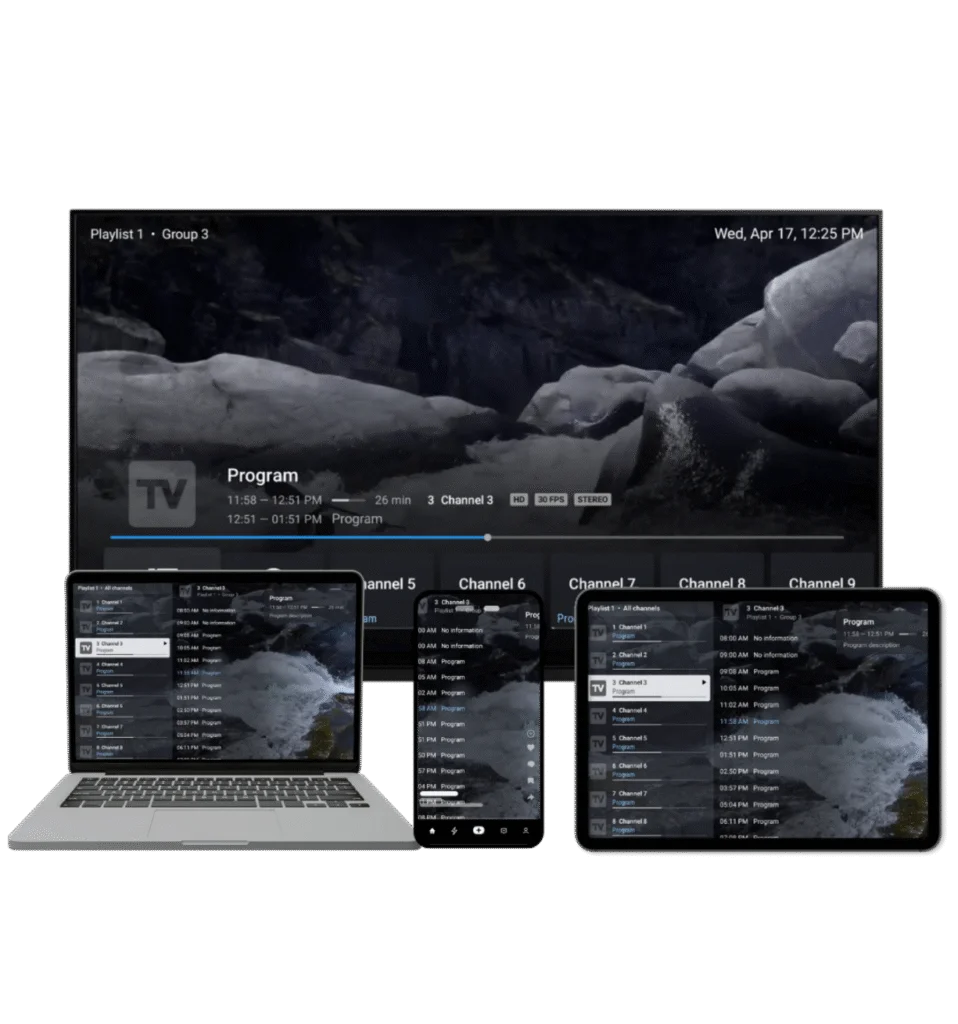
Multiple Playlists
Effortlessly manage and switch between multiple channel playlists
Practical guides for installing TiviMate, adding playlists, configuring EPG and fixing the issues that interrupt your viewing.
InstallGet TiviMate running
ConfigurePlaylists & EPG
OptimizePlayback & interface
FixTroubleshoot problems
TiviMate is a media player for Android TV and compatible devices. Use your own IPTV playlists and follow focused guides for setup, EPG, playback and common problems.
One place for installation, configuration and troubleshooting guides.
Explore the features that matter when building a reliable IPTV setup.
Effortlessly manage and switch between multiple channel playlists
Bookmark your most-watched channels for instant access
Find channels and shows instantly with intuitive search
Watch different channels simultaneously on the same screen
Never miss a show again with convenient access to past broadcasts
Record your favorite shows to watch them later
Manage access with ease, ensuring a safe viewing environment
Adjust the user interface to your preferences for a unique experience
The app is intended for Android TV devices. Follow the installation guide for your device or use the APK route when appropriate.
Stop constant buffering
Resolve playlist errors
Fix guide display issues
Restore audio playback
Premium unlock problems
Stop unexpected crashes
Add channel icons
Fix update errors
 01
01TiviMate Premium pricing, every feature, free vs paid, device limits and an honest verdict on whether the upgrade is worth it in 2026.
October 22, 2026Read → 02
02Football IPTV playlist guide: the legal free and paid ways to watch live football in 2026, plus how to add and organise channels in TiviMate.
October 22, 2026Read → 03
03Run a five-minute IPTV test on any stream, playlist or provider: channel load, EPG, stability, peak-time performance and a simple pass/fail scorecard.
October 22, 2026Read → 04
04TiviMate is an IPTV player that plays playlists from your own provider. See what it does, what you need, and how to set it up.
October 17, 2026Read → 05
05Where to download the TiviMate app safely, how to install it on Android TV, Google TV and Fire TV, how app updates work, and what the app can and cannot do.
October 17, 2026Read → 06
06TV Mate, tiv mate, tiv and TV Mate Pro usually mean the same app: TiviMate. Here is what each term means and where to get it.
October 17, 2026Read →07Learn when clearing TiviMate cache can help, what it removes, and what to try before reinstalling the app.
September 25, 2026Read → 08
08Troubleshoot TiviMate account sign-in problems, incorrect credentials, activation issues, and device setup.
September 25, 2026Read → 09
09Understand TiviMate remote navigation and how to troubleshoot buttons that do not behave as expected.
September 25, 2026Read →TiviMate is a player, not a content source. If you still need a subscription, our partner Strong IPTV provides M3U and Xtream Codes logins that work with the app.
Common questions about TiviMate, devices, playlists and Premium.
TiviMate offers a free version with basic features. The Premium version unlocks advanced features like multiple playlists, catch-up TV, recording, and more.
No, TiviMate is a media player only. You need an active IPTV subscription from a provider to use the app. TiviMate does not provide any content.
TiviMate is designed for Android TV devices including Amazon Firestick, Fire TV, Android TV boxes, NVIDIA Shield, and Chromecast with Google TV.
Open TiviMate, go to Settings > Playlists > Add Playlist. Enter your M3U URL or Xtream Codes API credentials provided by your IPTV service.
Yes, TiviMate Premium allows you to use the app on up to 5 devices with a single subscription.
Purchase Premium through the app or website, then open TiviMate > Settings > Premium and complete the activation process.


