
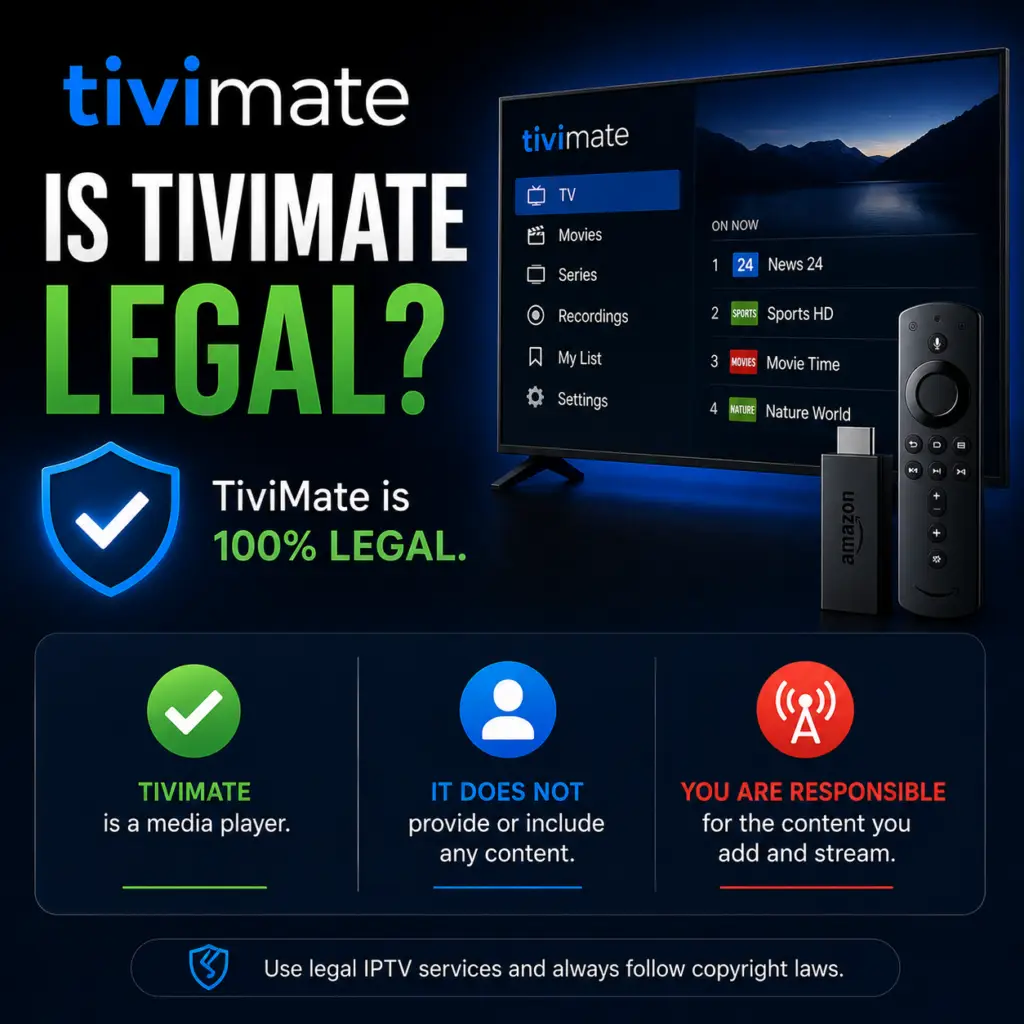
Quick Answer: TiviMate itself is completely legal to download and use. It is a media player, like VLC or Plex, and does not host or distribute any copyrighted content. The legality of IPTV depends on what you stream and from which provider. Using TiviMate with legal IPTV services (free-to-air channels, your own media) is perfectly legal.
If you use TiviMate or are considering installing it, you have likely asked yourself: is TiviMate legal? It is a fair question, especially given the legal uncertainty that sometimes surrounds IPTV and streaming technology. This guide provides a clear, factual answer and explains how to use TiviMate without legal risk.
Is TiviMate Legal? The Short Answer
Yes, TiviMate is 100% legal. TiviMate is a media player application — nothing more. It does not host, distribute, or stream any copyrighted content. It does not provide channels, movies, or TV shows. It simply plays the video streams that you point it to, using the credentials and URLs you provide.
Think of TiviMate like a web browser or a music player. A web browser is legal even though it can be used to visit websites that host illegal content. A music player is legal even though it can play MP3 files of copyrighted songs. The software itself is neutral. What matters is how you use it.
TiviMate is developed by ArmoSoft, a registered company, and is available on the official Google Play Store. It has been downloaded millions of times. If TiviMate were illegal, it would not be on the Play Store — Google removes apps that violate copyright laws.
Is IPTV Legal?
IPTV stands for Internet Protocol Television. It is simply a method of delivering television content over the internet instead of through traditional cable or satellite signals. The technology itself is perfectly legal. Many major companies use IPTV:
- Sling TV — Legal IPTV service with licensed channels
- Hulu + Live TV — Legal IPTV with proper content licensing
- YouTube TV — Fully licensed IPTV service
- Sky Now — Legal IPTV in the UK
- AT&T TV — Legal IPTV service
These are all IPTV services. They are legal because they have licensing agreements with content owners. The legality question only arises when an IPTV provider streams copyrighted content without the rights holder’s permission.
Legal vs Illegal IPTV: How to Tell the Difference
The difference between a legal and an illegal IPTV provider is straightforward: does the provider have the rights to stream the content they offer?
What Are the Legal Risks?
The legal risks associated with IPTV vary significantly by country. Here is what you should know:
United States
US law focuses on providers, not end-users. The Copyright Office and federal courts have pursued IPTV service operators for criminal copyright infringement, but individual viewers are rarely targeted. There is no known case of a TiviMate user being prosecuted simply for watching unlicensed streams. However, streaming copyrighted content is technically copyright infringement, and the risk — while low — is not zero.
United Kingdom
The UK has taken a more aggressive stance. The Digital Economy Act 2017 targets both providers and users. There have been cases where UK authorities sent warning letters to individuals who used illegal IPTV services. In serious cases, users have faced legal action, though these typically involve resellers rather than casual viewers.
European Union
EU law targets commercial copyright infringement. Individual viewers are generally not prosecuted, though some countries (Germany, Italy) have sent warning letters to users of illegal streaming services. The EU Copyright Directive focuses on large-scale infringement.
Canada and Australia
Both countries have targeted IPTV providers rather than end-users. In Canada, the Copyright Act allows rights holders to send notices of infringement, but these are not lawsuits. Australia’s Copyright Amendment Act focuses on blocking pirate sites rather than prosecuting viewers.
Copyright Law Basics: Why the Player Is Not the Problem
Copyright law distinguishes between the creation and distribution of infringing content and the tools used to access it. This principle has been upheld in courts worldwide. In the United States, the Sony v. Universal City Studios (1984) Supreme Court decision established that technologies capable of substantial non-infringing uses cannot be banned simply because they could also be used for infringement. This is known as the “Betamax defense” and it applies directly to TiviMate, VLC, Kodi, and web browsers alike.
The European Court of Justice has ruled similarly — software that is primarily used for lawful purposes cannot be deemed illegal based on how some users might misuse it. This legal framework is why TiviMate can be distributed on the Google Play Store without legal issues, and why the developers at ArmoSoft operate openly without fear of prosecution.
For more about how TiviMate works and its legal status as a player, see our comprehensive guide: what is TiviMate?
How to Use TiviMate Legally and Safely
If you want to use TiviMate without any legal concerns, here are three approaches:
1. Use TiviMate with a Licensed IPTV Service
The safest way to use TiviMate is with a legitimate, licensed IPTV provider. While TiviMate is designed for M3U playlists — which most licensed services do not provide directly — some providers like Sling TV and YouTube TV offer their own apps. You can also use TiviMate with legal IPTV resellers who provide M3U access to licensed content.
2. Use Public Domain and Free-to-Air Playlists
There are legal, free IPTV playlists available that contain only public domain content or freely licensed channels. These include:
- Pluto TV — Free, legal streaming with ad-supported channels
- Free-to-air satellite channels — Some broadcasters offer free legal IPTV streams
- Public domain channels — Movies and shows that are no longer under copyright
- News channels — Many news broadcasters offer free legal streams (BBC News, Al Jazeera, etc.)
3. Use TiviMate with Your Existing Cable Subscription
If you already have a cable TV subscription, some providers offer IPTV streaming as part of your package. You can use TiviMate as a front-end player if your provider makes an M3U URL available. This is 100% legal because you are already paying for the content.
TiviMate vs Kodi vs VLC: Legal Status Comparison
TiviMate’s legal standing is the same as other media players. Here is how they compare:
All four are legal media players. None of them include or distribute copyrighted content on their own. If someone uses Kodi with a third-party add-on that streams copyrighted movies without permission, that specific use may be illegal — but Kodi itself is not.
Does TiviMate Record Your Activity?
No. TiviMate does not track, log, or report what you watch. The app operates locally on your device and communicates only with your IPTV provider’s server to fetch the channel list and stream video. There is no analytics service, no telemetry, and no cloud-based tracking built into the app. Your viewing history stays on your device.
If privacy is a concern, TiviMate is one of the most privacy-respecting IPTV players available. It does not require an account to use (except for Premium activation via Google Play), and it does not share your playlist or channel information with any third party.
How IPTV Providers Get Shut Down
Understanding how enforcement works helps clarify the actual risk landscape. In the past five years, authorities have primarily targeted IPTV providers — not users. Major operations have been shut down through:
- Criminal investigations — Police raids on server facilities and arrests of operators
- Domain seizures — Authorities confiscating domain names used by illegal IPTV services
- Payment processor blocks — Visa, Mastercard, and PayPal terminating accounts of known illegal providers
- ISP blocking orders — Court orders requiring ISPs to block access to known pirate IPTV servers
These actions affect providers, not end-users. Even in countries with the strictest enforcement (like the UK and Germany), actions against viewers are rare and typically reserved for individuals who resell access rather than simply watch streams.
Frequently Asked Questions
Is TiviMate legal?
Yes. TiviMate is a legal media player available on the Google Play Store. It does not host or distribute copyrighted content.
Can I get in trouble for using TiviMate?
Not for using the app itself. If you use TiviMate with an illegal IPTV provider that streams copyrighted content without permission, you may be technically infringing copyright — but enforcement against individual viewers is extremely rare in most countries.
Is TiviMate on the Google Play Store?
Yes. TiviMate is available on the Google Play Store for Android TV and Google TV devices. This is a strong indicator of its legal status — Google does not allow illegal apps on the Play Store.
Is it legal to use TiviMate with a paid IPTV provider?
It depends on whether the provider has the rights to the content they offer. If you are using a licensed service like Sling TV or YouTube TV, it is fully legal. If your provider sells 10,000 channels for $10/month, they almost certainly do not have proper licensing.
Does TiviMate work with legal IPTV services?
TiviMate requires M3U or Xtream Codes access. Most legal services (Sling, Hulu, YouTube TV) use proprietary apps and do not provide M3U URLs. However, some legal IPTV resellers and cable providers do provide M3U access that works with TiviMate.
Can TiviMate get me in trouble with my ISP?
Your ISP can see that you are streaming video, but they cannot see what specific content you are watching within an encrypted stream. Some ISPs throttle IPTV traffic, but this is not a legal issue — it is a network management practice.
Is using a VPN with TiviMate legal?
Yes, using a VPN is legal in most countries. It encrypts your traffic and hides your IP address from your IPTV provider. Using a VPN does not make illegal streaming legal, but it does protect your privacy.
Final Verdict
TiviMate is a legal, legitimate IPTV player. It has the same legal status as VLC, Kodi, or any other media player. The key question is not whether TiviMate is legal — it is — but whether your IPTV content provider is. Use TiviMate with a licensed service and you have nothing to worry about. Use it with an unlicensed provider and you are in a legal gray area that varies by country. Whichever path you choose, understanding the difference lets you make an informed decision. For device-specific setup guides, see our articles on TiviMate on Onn 4K and TiviMate and Roku compatibility.
IPTV legality on Wikipedia. US Copyright Office.
Is TiviMate legal? This guide answers the question of whether TiviMate is legal to use.
Sources & References
- TiviMate on Google Play — Official Android TV app listing
- tvimate.co Setup Guides — Comprehensive installation and troubleshooting guides
- Best IPTV for TiviMate — Top-rated IPTV providers reviewed for TiviMate users
- TiviMate Not Working? Fixes — 10 proven fixes for channels, audio, and crashing
- Fix TiviMate Error 458 — Too many connections fix and step-by-step troubleshooting
- TiviMate User Agent Guide — Best user agent settings to stop buffering
- TiviMate Xtream Codes Setup — How to add IPTV via Xtream API (faster than M3U)
- TiviMate Keeps Crashing? — Fix app freezes and crashes on Firestick and Android TV
- TiviMate No Sound? — Fix audio not working on Firestick and Android TV
- TiviMate Channels Not Loading — Fix channels that won't play or show black screen
- TiviMate Parental Controls — Lock channels and restrict content with PIN
- TiviMate Backup and Restore — Save settings and playlists
- TiviMate Recording Not Working — Fix recording errors
