
TiviMate IPTV Player Stream Live TV on Firestick & Android TV
TiviMate IPTV Player Advanced IPTV Experience
TiviMate is a powerful and user-friendly IPTV player designed for Android TV and compatible devices. Organize and watch live TV, movies, and series using your own IPTV playlists — with a modern interface, EPG support, and smooth playback.
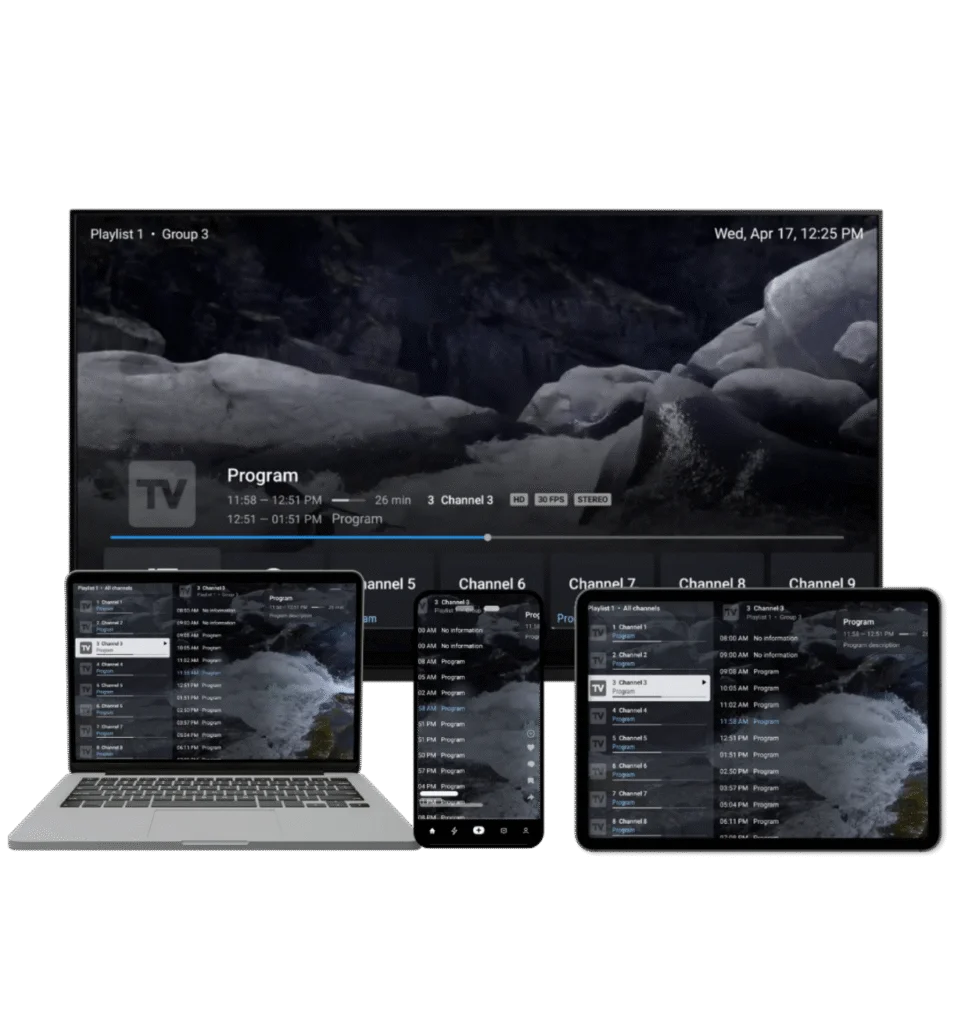
Powerful Features for IPTV Streaming
Everything you need for the ultimate IPTV experience
Multiple Playlists
Effortlessly manage and switch between multiple channel playlists
Favorite Channels
Bookmark your most-watched channels for instant access
Search
Find channels and shows instantly with intuitive search
Multiview
Watch different channels simultaneously on the same screen
Catch-up
Never miss a show again with convenient access to past broadcasts
Recording
Record your favorite shows to watch them later
Parental Controls
Manage access with ease, ensuring a safe viewing environment
UI Customization
Adjust the user interface to your preferences for a unique experience
Download TiviMate APK Free
The app is intended for Android TV devices and is not optimized for phones and tablets. You can install TiviMate from Google Play or by sideloading APK.
Downloader code is 272483
TiviMate Installation Guides
Step-by-step tutorials for every device
TiviMate Troubleshooting Guides
Quick solutions to common issues
TiviMate Guides and Tutorials
Everything you need to get the most out of TiviMate — from installation to advanced settings.
All TiviMate Guides
Step-by-step tutorials for every device and setup
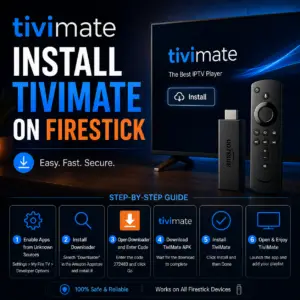
How to Install TiviMate on Firestick (2026) — Complete Guide
Step-by-step guide to install TiviMate on Amazon Fire TV Stick 4K in under 5 minutes.
May 19, 2026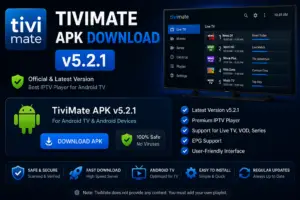
TiviMate APK Download v5.2.1 (2026) — Official, Safe, Free for Firestick & Android TV
Download TiviMate Premium APK v5.2.1 for Android. Safe download with full feature list.
May 19, 2026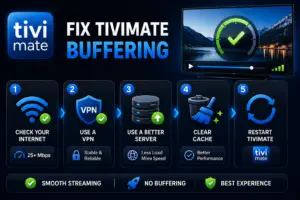
How to Fix TiviMate Buffering (2026) — 8 Troubleshooting Steps That Actually Work
Stop TiviMate buffering with these proven fixes. Covers internet speed, buffer settings, and device optimization.
May 19, 2026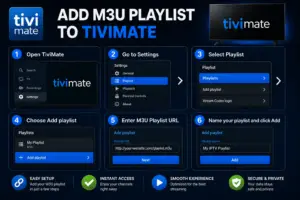
How to Add M3U Playlist to TiviMate (2026) — M3U, Xtream Codes and Stalker
Learn how to add an M3U playlist URL to TiviMate in 3 simple steps.
May 19, 2026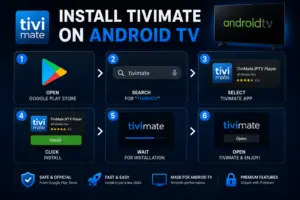
How to Install TiviMate on Android TV (2026) — Sony, TCL, Nvidia Shield
Install TiviMate on Sony, TCL, Hisense, Philips, and Mi Box Android TV devices.
May 19, 2026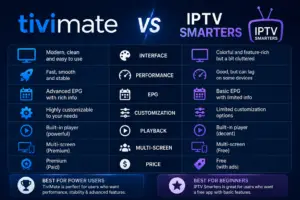
TiviMate vs IPTV Smarters (2026) — Honest Comparison. Which Is Better?
Detailed comparison of TiviMate and IPTV Smarters. Features, performance, and which one to use.
May 19, 2026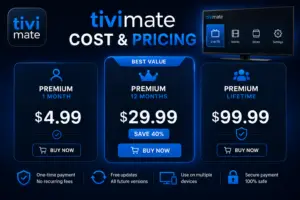
TiviMate Cost and Pricing (2026) — Is Premium Worth .99 Per Year? Honest Review
Let me save you some time: TiviMate is free to download and use. If you…
May 19, 2026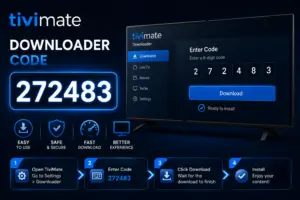
TiviMate Downloader Code (2026): 272483 — Install on Firestick Fast & Safely
If you just got a Firestick and want TiviMate on it, you are in the…
May 19, 2026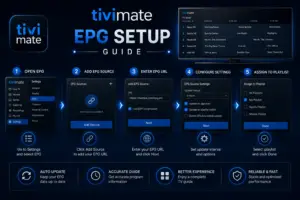
TiviMate EPG Setup Guide (2026) — Add TV Guide, Fix No Information, Channel Mapping & Time Shift
If your TiviMate guide shows "No Information" on every channel, you are missing an EPG…
May 19, 2026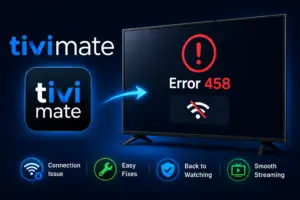
TiviMate Error 458: What It Means and How to Fix It Fast (2026)
Error 458 is one of those things that looks scary but is almost always a…
May 19, 2026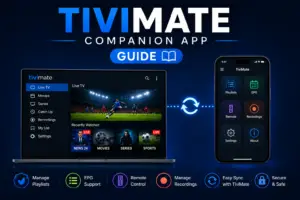
TiviMate Companion App Guide (2026): Setup, Features and Troubleshooting
If you have ever tried to search for a channel using a Firestick remote, you…
May 19, 2026
TiviMate on Windows PC (2026): BlueStacks and WSA Setup Guide
TiviMate does not have a Windows app. It is an Android TV app and there…
May 19, 2026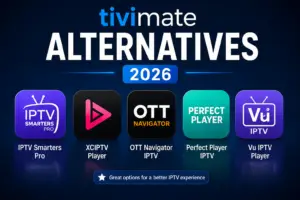
Best TiviMate Alternatives in 2026 (Free and Paid) — Honest Comparison for Every Device
TiviMate is the best IPTV player for Android TV and Firestick. But it does not…
May 19, 2026
Best IPTV Service for TiviMate (2026) — What to Look For and How to Connect
TiviMate is a player — it does not come with channels. To watch live TV,…
May 19, 2026
TiviMate Roku: Why It Does Not Work and the Best Alternatives (2026)
TiviMate does not work on Roku. Full stop. Roku uses a closed operating system that…
May 19, 2026
What Is TiviMate? Complete Guide to the Best IPTV Player (2026)
TiviMate is an IPTV player app for Android TV and Firestick. It lets you watch…
May 19, 2026
TiviMate on Onn 4K Streaming Box (2026): Install, Setup and Best Settings
The Walmart Onn 4K Streaming Box is one of the best budget devices for TiviMate.…
May 20, 2026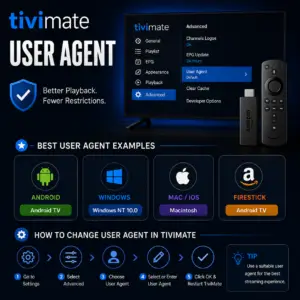
TiviMate User Agent: Best Settings to Stop Buffering (2026)
The user agent is one of the most underrated fixes for TiviMate buffering. Most people…
May 20, 2026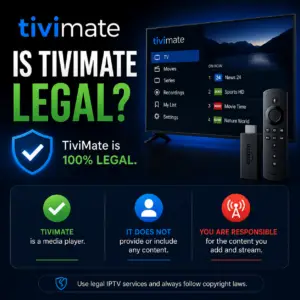
Is TiviMate Legal? What You Need to Know in 2026
Short answer: TiviMate is legal. It is on the Google Play Store, developed by a…
May 20, 2026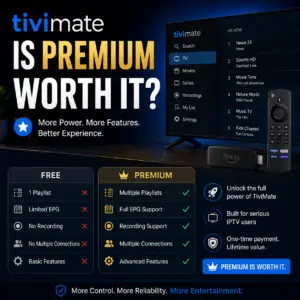
Is TiviMate Premium Worth It? Honest Review (2026)
At $4.99 a year, TiviMate Premium is one of the cheapest upgrades in the IPTV…
May 20, 2026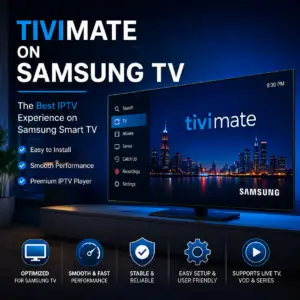
TiviMate on Samsung TV (2026): Why It Does Not Work and What to Use Instead
TiviMate does not work on Samsung Smart TVs. Samsung TVs run Tizen OS — Samsung's…
May 20, 2026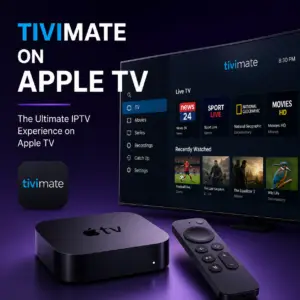
TiviMate on Apple TV (2026): Why It Does Not Work and Best Alternatives
TiviMate does not work on Apple TV. Apple TV runs tvOS — Apple's own operating…
May 20, 2026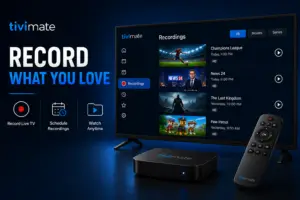
TiviMate Recording Guide (2026): How to Record Live TV with DVR
TiviMate Premium includes a full DVR feature. You can record any live channel, schedule recordings…
May 20, 2026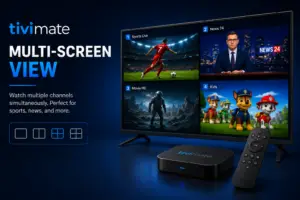
TiviMate Multi-Screen View (2026): How to Watch 4 Channels at Once
TiviMate Premium lets you watch up to 4 live channels simultaneously on one screen. If…
May 20, 2026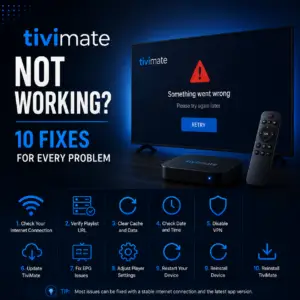
TiviMate Not Working? 10 Fixes for Every Problem (2026) — Channels, Audio, Crashing
Most TiviMate problems have a simple fix. Before you do anything else, try these three…
May 20, 2026Frequently Asked Questions
Common questions about TiviMate
Is TiviMate free?
TiviMate offers a free version with basic features. The Premium version unlocks advanced features like multiple playlists, catch-up TV, recording, and more for a one-time payment.
Does TiviMate provide IPTV content?
No, TiviMate is a media player only. You need an active IPTV subscription from a provider to use the app. TiviMate does not provide any content.
What devices support TiviMate?
TiviMate is designed for Android TV devices including Amazon Firestick, Fire TV, Android TV boxes, NVIDIA Shield, and Chromecast with Google TV.
How do I add my IPTV playlist?
Open TiviMate, go to Settings > Playlists > Add Playlist. Enter your M3U URL or Xtreme Codes API credentials provided by your IPTV service.
Can I use TiviMate on multiple devices?
Yes, TiviMate Premium allows you to use the app on up to 5 devices with a single subscription.
How do I activate TiviMate Premium?
Purchase Premium through the app or website, then open TiviMate > Settings > Premium. Enter your email and activation code.