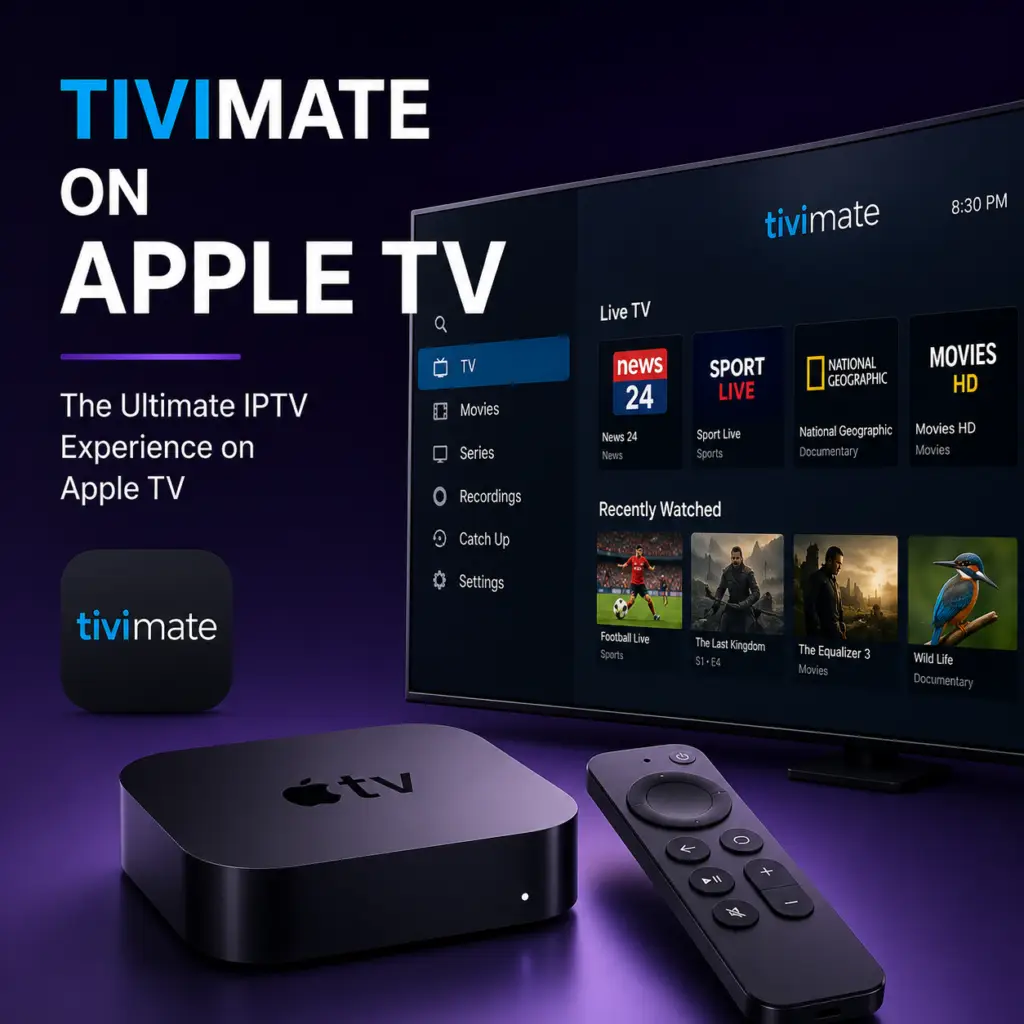
Quick Answer: TiviMate does not work on Apple TV. Apple TV uses tvOS, which does not support APK installation or Android apps. The best alternatives are to plug a Firestick into your Apple TV’s HDMI port, or use IPTV apps available on the App Store such as GSE Smart IPTV or iPlayTV for native tvOS support.
Overview
Looking for Tivimate Apple Tv? Apple TV users who want to run TiviMate face a hard platform barrier: TiviMate does not work on Apple TV. The app is built exclusively for Android TV and Fire OS, and no version exists for tvOS. This guide explains why, provides the best IPTV app alternatives for Apple TV, and outlines a practical hardware workaround if you are set on using TiviMate.
Why It Does Not Work
The incompatibility stems from fundamentally different operating systems. Apple TV runs tvOS, Apple’s proprietary operating system based on iOS. TiviMate is an Android TV application built using Google’s Android framework — specifically designed for the leanback interface of Android TV and Fire OS devices.
- tvOS and Android are completely different ecosystems. Apps cannot be cross-installed between them.
- Sideloading is not possible on Apple TV. Unlike Android, tvOS does not allow installation of applications outside the official App Store (unless you have a jailbroken device, which is exceptionally rare).
- TiviMate’s codebase is Android-native. Porting to tvOS would require a complete rebuild from scratch, and the developer has not announced any plans to do so.
- No emulation or compatibility layer exists that would allow Android TV apps to run on tvOS.
The bottom line: there is currently no way to install, sideload, or run TiviMate on any generation of Apple TV (HD, 4K, or 4K 2nd/3rd generation).
Best IPTV Apps for Apple TV (tvOS)
While TiviMate is not available, several excellent IPTV players exist natively on tvOS. Here is how they compare:
IPTV Smarters Pro — Best Overall for Apple TV
IPTV Smarters Pro is the most popular IPTV player on tvOS and the closest alternative to TiviMate’s experience. It supports M3U URLs, Xtream Codes API, and local file imports. The interface is polished, EPG integration works well, and catch-up functionality is included. The biggest missing feature is DVR recording — you cannot record live TV within the app.
GSE Smart IPTV — Feature-Rich Alternative
GSE Smart IPTV offers a clean, customizable interface with support for M3U playlists, Xtream Codes, and multiple EPG sources. The app is free to download with in-app purchases to remove ads. It includes parental controls, dynamic language switching, and playlist organization tools. The interface is slightly less polished than TiviMate, but it remains a solid choice for Apple TV users.
Infuse — Best for VOD and Local Playback
Infuse is primarily a video player with IPTV capabilities. It excels at playing back local files, network shares, and VOD content in virtually every format. If your IPTV usage leans heavily toward on-demand movie and TV show libraries rather than live channels, Infuse is worth considering. It does not offer live EPG or catch-up support.
The HDMI Workaround: Use a Firestick with Apple TV
If TiviMate is non-negotiable for you, the only viable solution is to run it on a separate Android-based streaming device connected to the same display as your Apple TV.
Step-by-Step: Dual Setup with Apple TV and Firestick
- Purchase an Amazon Firestick 4K (or Firestick 4K Max for better performance).
- Connect the Firestick to a spare HDMI port on your TV. Many modern TVs have at least 3 HDMI ports — use one for Apple TV and one for the Firestick.
- Switch inputs using your TV remote to access the Firestick when you want to use TiviMate.
- Set up the Firestick — connect to Wi-Fi, log in to Amazon account, and enable apps from unknown sources.
- Install TiviMate on the Firestick via sideloading or the Amazon App Store.
- Configure your IPTV playlist and EPG within TiviMate.
- Upgrade to TiviMate Premium for DVR, multi-view, and unlimited playlist support.
Apple TV vs Firestick for IPTV
If IPTV is a primary use case, the Firestick outperforms the significantly more expensive Apple TV in this specific area. You can keep both devices connected and use whichever suits your current activity.
IPTV on iPhone — The Companion Situation
While TiviMate is not available on Apple TV, you may wonder about iPhone support. TiviMate Companion, the remote control app, is only available for Android devices — there is no iOS version. This means iPhone users cannot use their phone as a remote for TiviMate the way Android users can.
For IPTV playback directly on an iPhone, the best options are IPTV Smarters Pro and GSE Smart IPTV, both available on the iOS App Store. These apps let you watch IPTV on your iPhone but do not integrate with TiviMate on another device.
Troubleshooting: Apple TV and IPTV Issues
Frequently Asked Questions
No. TiviMate is an Android TV app and is not available on Apple TV’s tvOS platform. There is no version of TiviMate for Apple TV, and no sideloading method exists to install it.
IPTV Smarters Pro is the best IPTV app for Apple TV. It is free, supports M3U and Xtream Codes, includes EPG and catch-up, and offers a clean interface. GSE Smart IPTV is a strong alternative with more customization options.
TiviMate is not available on iPhone. The TiviMate Companion app (which serves as a remote for the main app) is Android-only. For IPTV playback on iPhone, use IPTV Smarters Pro or GSE Smart IPTV from the iOS App Store.
Yes. Connect a Firestick 4K or Firestick 4K Max to a spare HDMI port on your TV, install TiviMate on the Firestick, and switch inputs when you want to use TiviMate. The Apple TV and Firestick can coexist on the same TV.
No. IPTV Smarters Pro on Apple TV does not include DVR recording functionality. If recording live TV is essential, consider the Firestick workaround with TiviMate Premium, which includes a full DVR system.
The developer has not announced any plans to port TiviMate to tvOS. Given the architectural differences between Android TV and tvOS, a port would require a complete rewrite and is unlikely in the foreseeable future.
No. The TiviMate Companion app is only available on Android. iPhone users must use the Firestick remote or a third-party universal remote to control TiviMate on a Firestick.
For IPTV specifically, the Firestick is the better choice because it supports TiviMate — the best IPTV player available. Apple TV is superior for overall performance and ecosystem integration, but its IPTV app options are more limited and lack DVR and multi-view capabilities.
Apple TV 4K official page. For more information, visit the tvOS on Wikipedia.
TiviMate on Apple TV is not supported. This TiviMate Apple TV guide explains alternatives.
Sources & References
- TiviMate on Google Play — Official Android TV app listing
- tvimate.co Setup Guides — Comprehensive installation and troubleshooting guides
- Best IPTV for TiviMate — Top-rated IPTV providers reviewed for TiviMate users
- TiviMate Not Working? Fixes — 10 proven fixes for channels, audio, and crashing
- Fix TiviMate Error 458 — Too many connections fix and step-by-step troubleshooting
- TiviMate User Agent Guide — Best user agent settings to stop buffering
- TiviMate Xtream Codes Setup — How to add IPTV via Xtream API (faster than M3U)
- TiviMate Keeps Crashing? — Fix app freezes and crashes on Firestick and Android TV
- TiviMate No Sound? — Fix audio not working on Firestick and Android TV
- TiviMate Channels Not Loading — Fix channels that won't play or show black screen
- TiviMate Parental Controls — Lock channels and restrict content with PIN
- TiviMate Backup and Restore — Save settings and playlists
- TiviMate Recording Not Working — Fix recording errors